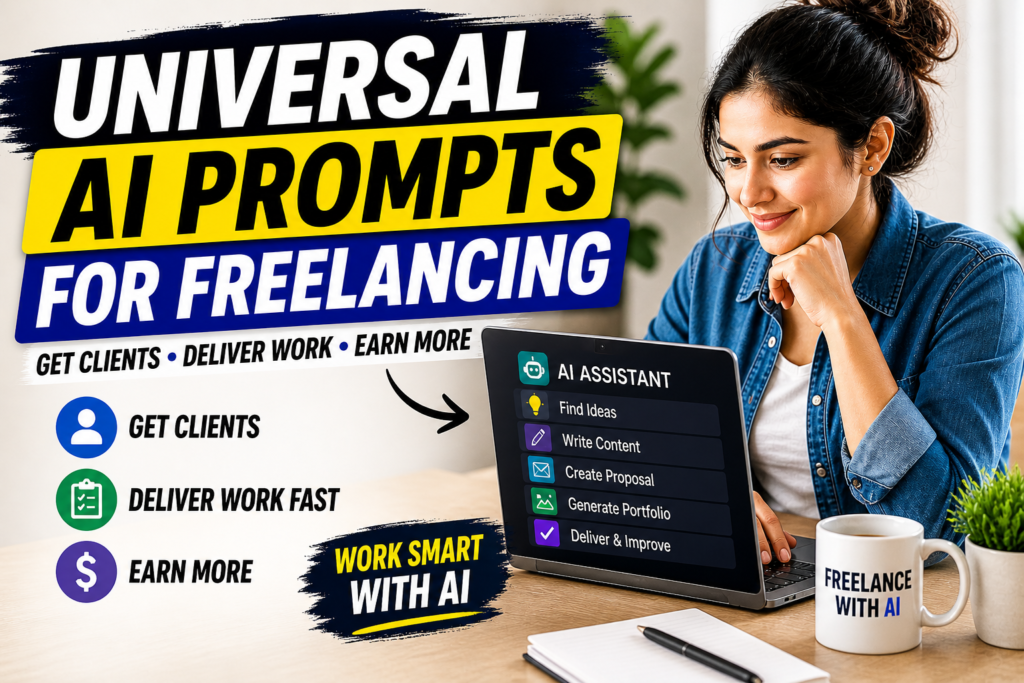
Universal AI prompts freelancing is the fastest way to start earning using any AI tool without learning different systems. Instead of guessing what to write or how to respond, you use proven prompts that work everywhere.
This is not theory. This is a full working system.
Task 1: Find High-Demand Freelance Ideas
Copy-Paste Prompt
Act as a freelance market expert. Give me 10 high-demand freelance services that beginners can start using AI tools. Focus on services that require low skill but have high demand and fast payment potential.
How to Use
Step 1: Open any AI tool (ChatGPT, Gemini, Claude)
Step 2: Paste the prompt
Step 3: Select 1 service from the list
What You Get
- List of high-demand services
- Beginner-friendly options
Final Result
You get a clear direction instead of confusion
Task 2: Create a Freelance Service Offer
Copy-Paste Prompt
Act as a professional freelancer. Create a clear and high-converting service offer for [your selected service]. Include what I will deliver, benefits for the client, and why they should choose me.
How to Use
Step 1: Replace [your selected service]
Step 2: Paste prompt
Step 3: Copy best version
What You Get
- Ready-to-use service description
- Clear value proposition
Final Result
You can directly use this for Fiverr, Upwork, or clients
Task 3: Generate Portfolio Samples
Copy-Paste Prompt
Act as a content creator. Create 3 sample works for [your service] that look professional and realistic. Make them high quality and ready to show to clients.
How to Use
Step 1: Replace [your service]
Step 2: Paste prompt
Step 3: Save outputs
What You Get
- Portfolio-ready samples
- Real-looking work
Final Result
You can show proof without experience
Task 4: Write Client Proposal Message
Copy-Paste Prompt
Act as a freelancer. Write a short, clear, and high-converting proposal message to a client who needs [your service]. Keep it simple, professional, and result-focused.
How to Use
Step 1: Replace [your service]
Step 2: Paste prompt
Step 3: Customize slightly
What You Get
- Client-ready message
- Clear communication
Final Result
Higher chance of getting replies
Task 5: Deliver Client Work
Copy-Paste Prompt
Act as an expert in [your service]. Create high-quality output based on this client requirement: [paste requirement]. Make it clear, professional, and ready to deliver.
How to Use
Step 1: Add client requirement
Step 2: Paste prompt
Step 3: Edit output manually
What You Get
- Client-ready work
- Structured output
Final Result
You can deliver fast and maintain quality
Task 6: Improve and Finalize Work
Copy-Paste Prompt
Act as a quality editor. Improve this content to make it more professional, clear, and engaging. Remove any generic AI tone and make it human-like.
How to Use
Step 1: Paste your work
Step 2: Run prompt
Step 3: Review output
What You Get
- Refined content
- Better quality
Final Result
Client satisfaction increases
Task 7: Ask for Payment and Review
Copy-Paste Prompt
Act as a professional freelancer. Write a polite message asking the client to review the work and release payment if satisfied. Keep it simple and respectful.
How to Use
Step 1: Paste prompt
Step 2: Send message
What You Get
- Clean payment message
Final Result
Smooth payment process
Full Execution Workflow
Start → Pick service using Task 1
↓
Create offer using Task 2
↓
Build samples using Task 3
↓
Apply to clients using Task 4
↓
Complete work using Task 5
↓
Improve output using Task 6
↓
Get payment using Task 7
This entire system works on any AI tool.
Final Thought
Universal AI prompts freelancing is not about tools.
It’s about system.
Follow this workflow, and you move from confusion to first client faster than most beginners.