A meeting can last an hour and still leave everyone wondering what actually happened.
People discuss several options.
Someone raises a concern.
Another person suggests an alternative.
A decision seems to be made, but nobody writes it down clearly.
Then the meeting ends.
A few days later, someone asks:
“Did we decide to do this?”
That is the problem this prompt is designed to solve.
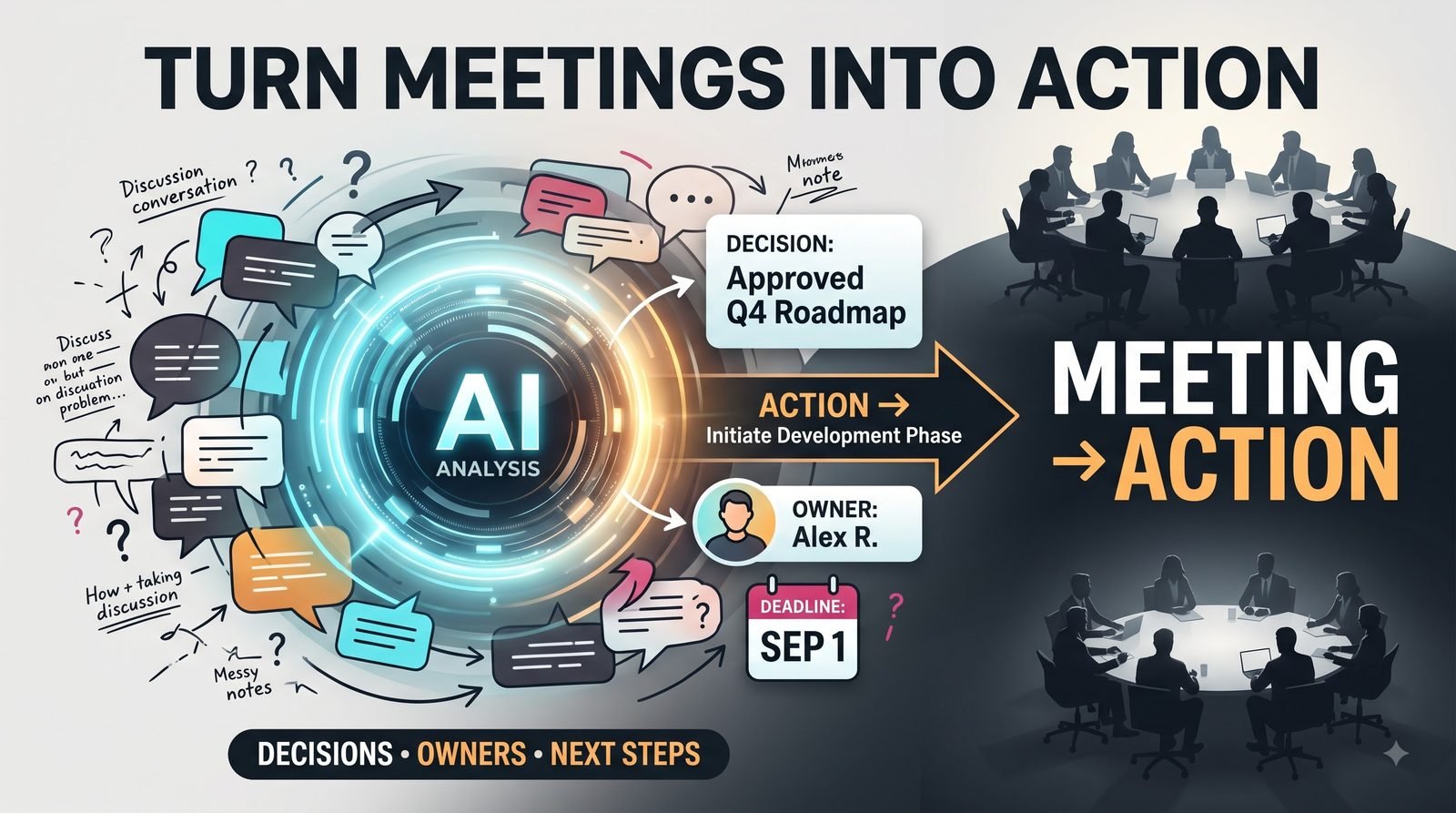
Instead of turning meeting notes into another generic summary, it focuses on the information that actually needs to survive after the conversation ends:
decisions, actions, ownership, deadlines, unresolved issues, and important context.
A Summary Is Not the Same as a Decision Record
Consider this meeting note:
“The team discussed changing the onboarding process. Several people felt the current version was confusing. A new flow was proposed, and the team generally agreed it looked better. Marketing will review the copy. The final version will be discussed next week.”
A basic summary might simply repeat the discussion.
A useful decision record asks harder questions:
Was the new flow actually approved?
Who owns the next step?
What exactly does marketing need to review?
Is next week a deadline or simply the next discussion point?
Those distinctions matter.
Focus on What Changed
Meetings contain a lot of conversation that does not necessarily result in action.
Someone can suggest an idea without the team accepting it.
A concern can be raised without becoming a task.
A possibility can be discussed without becoming a decision.
The prompt separates these categories.
That prevents a casual comment from accidentally becoming an official commitment.
Capture Decisions Precisely
A useful decision record should answer:
What was decided?
What was not decided?
Why was the decision made?
Who needs to act because of it?
If the notes do not establish a decision clearly, the output should say that rather than pretending one was made.
That is especially important for meetings involving multiple teams.
Extract Actions, Not Just Topics
Suppose someone says:
“I’ll take a look at the numbers and let everyone know.”
That is an action.
The useful information is:
Action: Review the numbers and report findings.
Owner: The person who made the commitment.
Deadline: Only if one was actually stated.
If no deadline was mentioned, the prompt should not invent one.
That small rule keeps the output trustworthy.
Unresolved Questions Matter Too
A meeting can produce progress without producing a final decision.
For example:
“The team needs more information before choosing between the two vendors.”
That is not a failed meeting.
It is an unresolved decision with a clear information requirement.
The prompt captures those open questions so they do not disappear inside the meeting notes.
Distinguish People From Teams
Meeting notes often contain phrases like:
“Marketing will handle it.”
That may not be specific enough.
If the notes identify a particular person, use that person.
If only the team is mentioned, preserve the team rather than inventing an individual owner.
This prevents responsibility from being assigned incorrectly.
Do Not Invent Deadlines
This is one of the most important rules in the workflow.
If someone says:
“I’ll send it tomorrow.”
then a deadline exists.
If someone says:
“I’ll send it soon.”
there is no precise deadline.
The prompt should preserve that difference.
A generated deadline may look helpful, but it can create confusion when nobody actually agreed to it.
Use It With Messy Notes
Your notes do not need to be polished.
You can paste:
- Bullet points
- Rough notes
- Speaker comments
- Transcript excerpts
- Mixed shorthand
- Partial meeting records
The prompt is designed to organize the useful information without turning uncertain statements into facts.
MASTER PROMPT — COPY & PASTE
Act as a precise meeting decision and action-item analyst.

MEETING NOTES / TRANSCRIPT:
[Paste the meeting notes or transcript here]

MEETING PURPOSE:
[Optional: explain what the meeting was about]

PARTICIPANTS:
[Optional: list names and roles if known]

Extract the information that matters after the meeting.

Produce:

1. EXECUTIVE OUTCOME
Give a short explanation of what the meeting actually accomplished.

2. DECISIONS MADE
List only decisions that appear to have been clearly agreed upon.
For each decision, include the relevant reasoning or context when available.

3. ACTION ITEMS
For every clearly assigned action, provide:
- Action
- Owner
- Deadline, only if explicitly stated
- Relevant context

4. OPEN QUESTIONS
List important questions or issues that remain unresolved.

5. PROPOSALS NOT YET APPROVED
Separate suggestions, ideas, or possible approaches from actual decisions.

6. DEPENDENCIES
Identify actions that depend on another person, decision, piece of information, or previous task.

7. FOLLOW-UP
List meetings, reviews, confirmations, or information that the discussion indicates should happen next.

8. AMBIGUITIES
Identify statements where the notes do not make the decision, owner, or next step sufficiently clear.

9. QUICK ACTION LIST
Create a concise checklist containing only the confirmed next actions.

Rules:
- Do not invent decisions.
- Do not turn suggestions into commitments.
- Do not assign owners unless the notes support the assignment.
- Do not invent deadlines.
- Clearly distinguish confirmed information from interpretation.
- If something is unclear, label it as unclear instead of guessing.
- Preserve important context when removing unnecessary discussion.
A Better Way to Review the Output
Once the AI produces the action list, do a quick human review.
Look for three things:
Did the meeting actually make this decision?
Did this person actually agree to this action?
Was this deadline actually mentioned?
If the answer is yes, the extracted record is probably useful.
If something feels uncertain, check the original notes instead of assuming the AI interpretation is correct.
Keep the Discussion History Separate
Not every sentence from a meeting needs to survive.
If ten minutes were spent discussing three possible approaches and the final decision was simply to test one of them, the action record does not need to reproduce the entire conversation.
The important information is:
Decision: Test option B.
Reason: It appeared to address the main concern.
Owner: Person responsible for the test.
Deadline: If one was actually agreed.
That is much easier to use later.
Use It as a Meeting Handoff
This becomes particularly useful when someone could not attend the meeting.
Instead of sending them a huge transcript, you can provide a structured record containing:
- What changed
- What was decided
- What they need to know
- What needs to happen next
- What remains unresolved
That gives them the operational information without requiring them to reconstruct the entire conversation.
Review Before the Next Meeting
The same record can become the starting point for the next discussion.
Check:
Completed actions
Pending actions
Blocked actions
Unresolved questions
New decisions required
Now the next meeting can begin with the actual state of the work instead of spending the first fifteen minutes trying to remember what happened previously.
Do Not Let AI Create False Certainty
Meeting conversations are often messy.
People interrupt each other.
Statements change.
Someone may say:
“I think we should probably…”
and later say:
“Actually, let’s hold off.”
A good extraction system should preserve that uncertainty.
The purpose is not to make messy conversations look artificially perfect.
It is to make the confirmed outcomes easier to find while clearly showing what still needs clarification.
Turn Conversation Into Coordination
A meeting is ultimately useful when something becomes clearer afterward.
Maybe a decision was made.
Maybe someone accepted responsibility.
Maybe a problem was identified.
Maybe the team discovered that more information is needed.
Those outcomes should not disappear when the meeting ends.
This prompt gives you a simple way to turn a long conversation into a practical record of what was decided, what happens next, who is responsible, and what still needs an answer.